Telephone Call Logging Software
Telestat 6 represents the latest generation of call logging systems. The software will connect to any telephone system that is fitted with a suitable call logging port (99% of systems today). From there within minutes you could be reporting on itemised incoming and outgoing calls. Think of the improvements that can be made. The telephone numbers of lost calls can be logger allowing you to return their calls - think of those possible missed orders! Reduce all of those personal mobile calls that represent a sizeable chunk of your telephone bill!
Click on any of the screenshots below to enlarge them
Telestat is a fully featured system that aims to:
- Optimise staff availability and productivity
- Improve telephone service levels
- Efficient management of telephone bill
- Eliminate telephone abuse
- Monitor communications capacity
Just think - would you give each of your staff a company credit card? Then why give them a telephone and not know what they are doing with it!
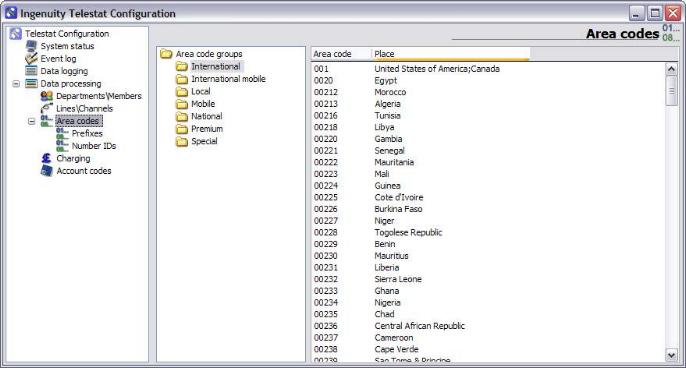
 Telestat processes the information from your phone system in real-time so that you always have the most up-to-date information in your call reports. The system runs as a service so operates ideally in either a server or client environment. Reports can be printed automatically without user input - for example, an automated end of month itemised telephone bill which is then emailed straightaway. The system is supplied with the latest OFCOM area code list and BT's charging structure to ensure correct call pricing. You can also easily configure the charge structure for your carrier via easy drag and drop features if required. As you’ll expect all elements of the system can be configured including currency and charging periods. This gives Telestat the ability to operate in any country too! Telestat processes the information from your phone system in real-time so that you always have the most up-to-date information in your call reports. The system runs as a service so operates ideally in either a server or client environment. Reports can be printed automatically without user input - for example, an automated end of month itemised telephone bill which is then emailed straightaway. The system is supplied with the latest OFCOM area code list and BT's charging structure to ensure correct call pricing. You can also easily configure the charge structure for your carrier via easy drag and drop features if required. As you’ll expect all elements of the system can be configured including currency and charging periods. This gives Telestat the ability to operate in any country too!
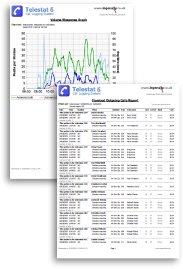
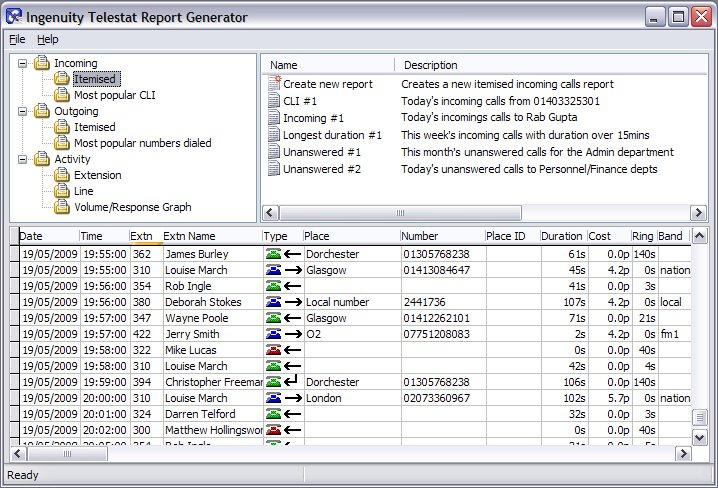
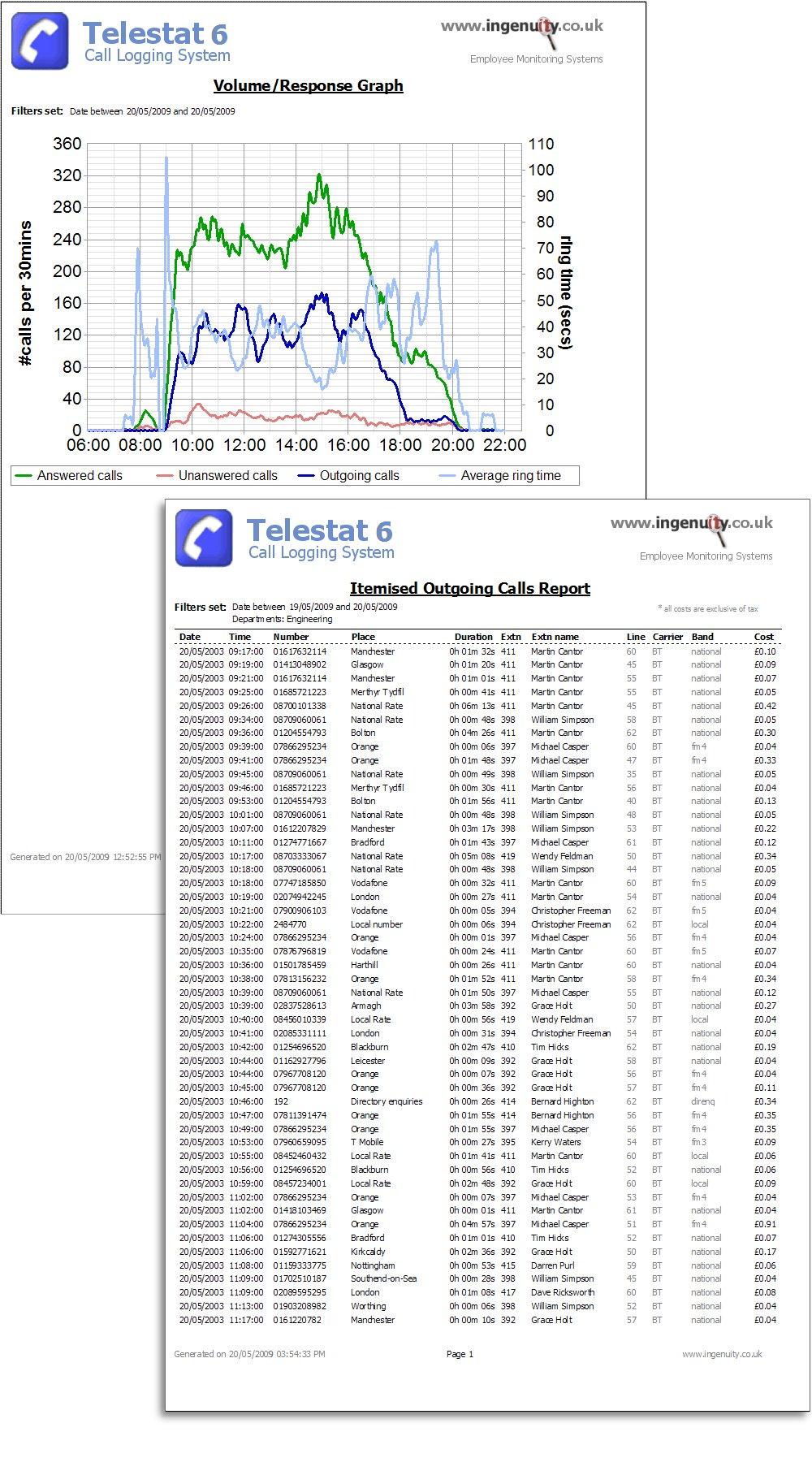
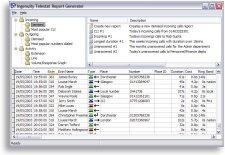
Telestat 6 includes a wide array of reports from a standard bills to more detailed graphical analysis. You simply select the type of report to run, set your report criteria such as the date range, departments/extensions and then click "Generate". You can save the settings you've entered so that you can run the report the next day, week or month. This can all be achieved by the click of a mouse or even automatically which helps make it a system easy for anyone to use. Reports can also be emailed so you can only be a few seconds away from your organisations call statistics where ever you are. The software also utilises standard industry dBase databases that can allow additional data manipulation via ODBC or Crystal Reports or other third party applications.
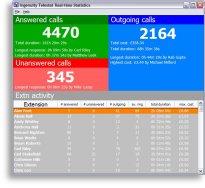
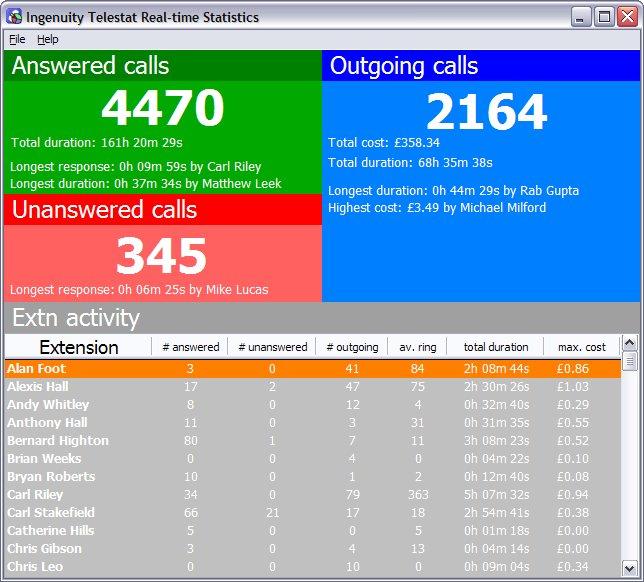
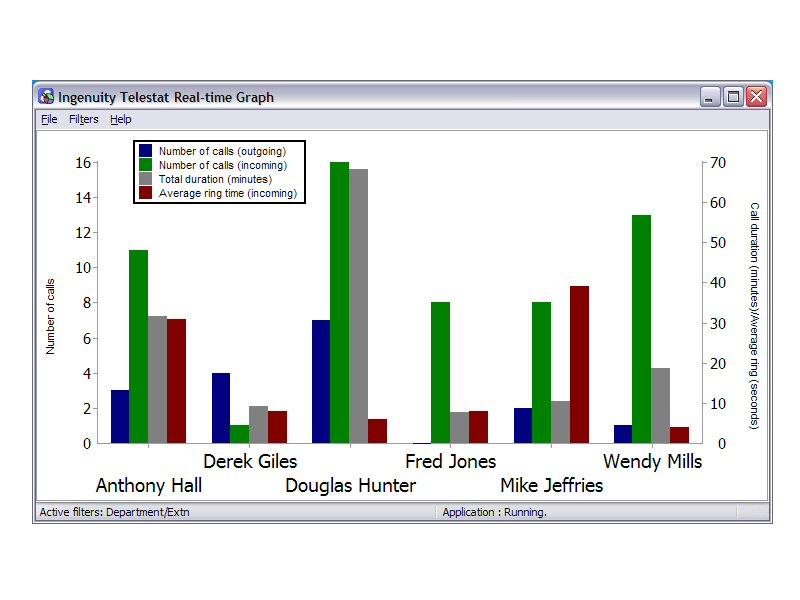
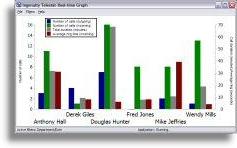
In addition to printed reports, the application also includes statistical modules that allow you to see real-time data for every extension on your screen. The daily values update as calls are made or received. The extensions displayed can be filtered for an individual or groups of extensions. Statistics can also be displayed as a bar chart - incoming and outgoing call volume, total call duration and average time to answer can all be displayed for each extension.
A remote installation option allows a
user to install files needed to run the report generator,
real-time statistics and graph modules on any machine that is
connected to the network – this also allows multiple users if
required. With the addition of an LCD/plasma panel you
can give your sales office/customer services area an ACD look
and feel for a fraction of the cost.
Telestat 6 is
straightforward to install. Simply configure the software with
your phone system’s IP address and SMDR port details and
you'll be logging data straightaway (serial and file ports can
also be used). You can then select your phone system type from
a selection of preset models - you're now ready to
display data or run reports. If you have a new system then the
set-ups are created free of charge!
 Together with our price promise (we'll
beat any other genuine call logger, internet/email monitor quotation by 10%)
we can guarantee that our systems are the best value available today. You'll
also find that on our website we're happy to publish our system prices - so
that there aren't any nasty hidden extras!
Together with our price promise (we'll
beat any other genuine call logger, internet/email monitor quotation by 10%)
we can guarantee that our systems are the best value available today. You'll
also find that on our website we're happy to publish our system prices - so
that there aren't any nasty hidden extras!
Download the demo
here
| 
 Telestat 6
Call Logging System
Telestat 6
Call Logging System